How to Write YouTube Titles That Get Clicks
Your title is the first thing a viewer reads — often before they even look at your thumbnail properly. A great video with a weak title can sit at a few dozen views, while the same video with a clear, specific title can keep getting suggested for months. The good news: writing better titles is a skill you can learn, and it does not require tricks or clickbait.
This guide walks through what makes a YouTube title work, a simple formula you can reuse, and a checklist to run before every upload.
Why titles matter so much
YouTube shows your video to a group of people as an “impression” — on the home page, in search results, or next to another video. If a good share of those people click and then keep watching, YouTube shows it to more people. Your title (together with your thumbnail) decides that first click.
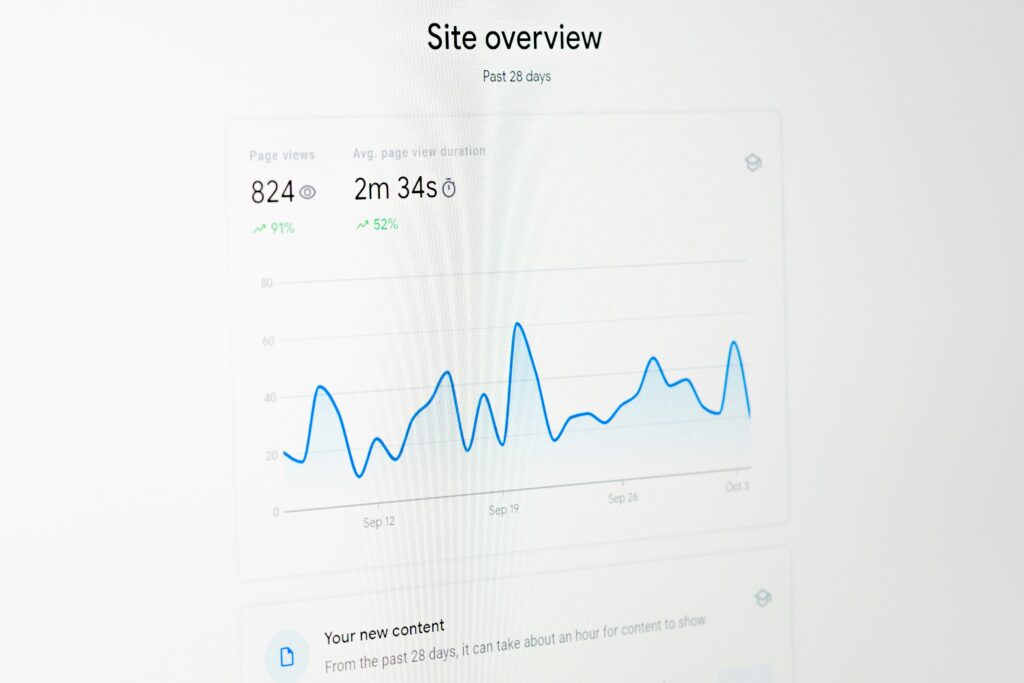
In YouTube Studio, this appears as Impressions click-through rate (CTR). There is no single “good” number — it changes a lot by niche, video type and where the impressions come from. What matters is comparing your own videos: if one video’s CTR is much lower than your usual, the title and thumbnail are the first things to look at.
What a good title does
A strong title does three jobs at once:
- It tells the viewer what they will get. A result, an answer, a story — something specific.
- It matches what people are looking for. It uses the words your viewer would type or recognise.
- It gives a reason to click now. Curiosity, a clear benefit, a surprising angle — but one the video actually delivers.
A simple formula you can reuse
Most effective titles combine two or three of these parts:
[Result or topic] + [specific detail] + [angle]
- Result or topic: what the video is about — “Edit Videos on Your Phone”.
- Specific detail: a number, time, tool or audience — “in 10 Minutes”, “for Beginners”, “with CapCut”.
- Angle: why this video is different — “No Experience Needed”, “The Mistake Everyone Makes”, “I Tried It for 30 Days”.
Put together: “Edit Videos on Your Phone in 10 Minutes (Beginner Friendly)”. It is clear, specific, searchable and honest.
9 practical tips for better titles
1. Put the important words first
On phones and in suggested videos, long titles get cut off. Make sure the first 40–50 characters already tell the viewer what the video is about. “TikTok Hashtags: What Actually Works” is better than “In Today’s Video I’m Going to Talk About TikTok Hashtags”.
2. Be specific instead of vague
“My Morning Routine” is vague. “My 5 AM Morning Routine as a Student Who Works Part-Time” tells a specific person that this video is for them. Specific titles attract the right viewers — and the right viewers watch longer.
3. Use numbers when they are real
Numbers help people know what to expect: “7 Mistakes”, “3 Steps”, “in 15 Minutes”. Only use them when the video really has that structure — viewers notice when “10 tips” turns out to be three.
4. Use the words your viewers use
Type your topic into the YouTube search bar and look at the suggestions that appear. Those phrases come from real searches. If people search “how to grow on TikTok”, that phrase is usually better than your own clever wording like “Mastering the Algorithm”.
5. Create curiosity — then deliver
A small open question makes people want to click: “The Setting That Doubled My Watch Time”. But the video must answer it clearly and early. If viewers feel tricked, they leave quickly, and that early exit tells YouTube your video did not satisfy them.
6. Let the title and thumbnail work together
Do not repeat the exact same words in both. If the title says “How I Edit My Videos”, the thumbnail could show a before/after frame with two words like “BEFORE → AFTER”. Together they should tell a story that neither tells alone.
7. Keep it readable
Avoid writing the whole title in capital letters, stuffing it with emojis, or listing keywords separated by bars. One emphasised word or one emoji can help; ten looks like spam.
8. Write for one viewer, not everyone
Before writing, picture one person: their problem and their level. A title for a complete beginner (“How to Start a YouTube Channel With Just Your Phone”) is different from one for an experienced creator (“How to Fix a Sudden Drop in Suggested Traffic”).
9. Never mislead
Titles that promise something the video does not contain break YouTube’s policies on misleading metadata and damage trust with your audience. A slightly less exciting title that is true will do better over time than a dramatic one that disappoints.
Before and after examples
- Before: “Vlog #12” → After: “A Full Day Running a Small Online Shop From Home”
- Before: “Phone Photography Tips” → After: “5 Phone Camera Settings That Make Photos Look Professional”
- Before: “Learning English” → After: “How I Learned to Speak English Without Classes (What Worked)”
- Before: “Couscous Recipe” → After: “Traditional Algerian Couscous — Easy Step-by-Step for Beginners”
Notice that none of the “after” titles use tricks. They are simply clearer about who the video is for and what it delivers.
Test and improve your titles
Titles are not permanent. After a video has been live for a few days, open YouTube Studio → Analytics for that video and check two things:
- Impressions click-through rate — if it is much lower than your other videos, try a clearer or more specific title (and possibly a new thumbnail).
- Average view duration — if people click but leave quickly, the title may be promising something the video does not deliver early enough.
Change one thing at a time and give it a few days so you can see whether it made a difference. YouTube also offers a built-in feature on many channels to test different thumbnails and titles — check the Test & Compare option in the video’s details page if it is available on your channel.
Quick checklist before you publish
- Does the beginning of the title already say what the video is about?
- Would my target viewer recognise the words I used?
- Is there something specific — a number, a result, an audience?
- Is there a reason to click now?
- Does the video clearly deliver what the title promises — early?
- Do the title and thumbnail add to each other instead of repeating?
- Is it easy to read on a small phone screen?
Summary
A great YouTube title is clear, specific and honest. Put the key words first, speak your viewer’s language, add a real detail or angle, and make sure the video delivers on the promise. Then use your analytics to learn and improve.
Want a professional review of your channel’s titles, thumbnails and SEO? Our Audit package gives you a written list of the top fixes for your channel within 48 hours. You can also read our checklist for growing a new YouTube channel.
Want help growing faster?
Tell us about your channel, page or website and we'll suggest the right package.
See Packages Ask on TelegramKeep reading
Best Ways to Make Money From Home: Real Options That Actually Pay
In 2024, 13.3% of people in the United States worked from home, but the best income path still depends on how you want to work. If…
Read more →Affiliate Marketing Platform Case Study: Growing Sales
A business with a solid offer can still struggle to reach new customers consistently, and an affiliate marketing platform may offer a way to build that…
Read more →